
Atmospheric Turbulence Simulation Module#
Atmospheric turbulence causes localized, time-varying distortions in imagery due to random fluctuations in the refractive index of air along the optical path. These effects manifest as image blur, warping, and scintillation, which can degrade object detection and tracking performance — particularly for small targets or fine details at range. Because turbulence effects are difficult to replicate in controlled training environments, models often lack robustness to these real-world conditions.
From an ML T&E perspective, atmospheric turbulence matters because it introduces spatially and temporally varying distortions that models trained on clear imagery have not learned to handle. The degradation depends on viewing geometry, atmospheric conditions, and wavelength, making it highly variable across operational scenarios. This variability makes turbulence a critical friction to assess during robustness testing.
NRTK’s TurbulenceAperturePerturber models these effects using physics-based simulation
that accounts for turbulence strength, wind speed, and viewing geometry. While it does not
capture all aspects of real turbulence (such as anisoplanatic effects), it provides an efficient
means to probe model sensitivity to atmospheric degradation during early-stage robustness
screening.
Turbulence Perturbation#
Simulates atmospheric turbulence effects so you can test how well a model handles distortion and blur from unstable air masses between the sensor and target.
Use This When…#
You want to simulate atmospheric degradation in ground, sea, or UAV imagery.
You need a physics-based perturbation that models optical path disturbances.
You’re doing early screening of robustness to turbulence before running heavier T&E analysis.
You want to test model performance under varying atmospheric conditions.
Minimal Code Example#
from nrtk.impls.perturb_image.optical.otf import TurbulenceAperturePerturber

perturber = TurbulenceAperturePerturber(
    cn2_at_1m=5.0e-13,   # refractive index structure parameter
    altitude=50.0,       # sensor height above ground (m)
    slant_range=70.7,    # line-of-sight distance to target (m)
)
perturbed_img, boxes = perturber(image=img_in, boxes=boxes, img_gsd=0.03)
Key Parameters#
cn2_at_1m- Refractive index structure parameter at 1m height; controls turbulence strength.Light (5.0e-13)
Medium (2.0e-12)
Heavy (5.0e-12)
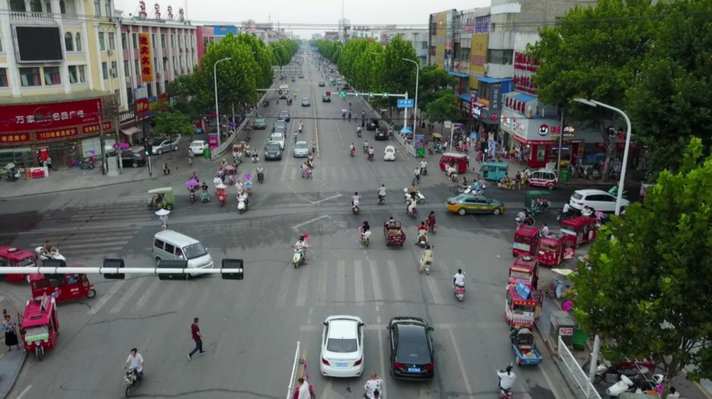
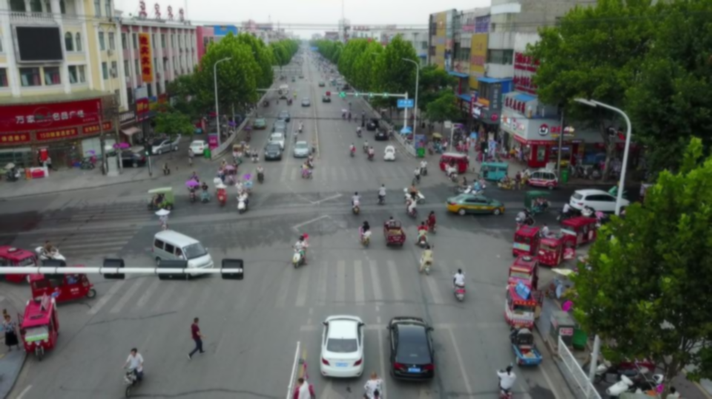
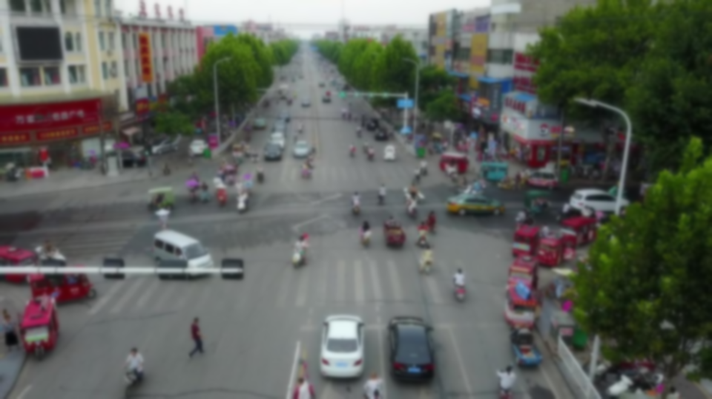
altitude- Height of the sensor platform above ground (m). Combined withslant_range(the line-of-sight distance to the target), these parameters determine the optical path length through the atmosphere. Longer paths accumulate more turbulence effects.Light (10m)
Medium (30m)
Heavy (100m)
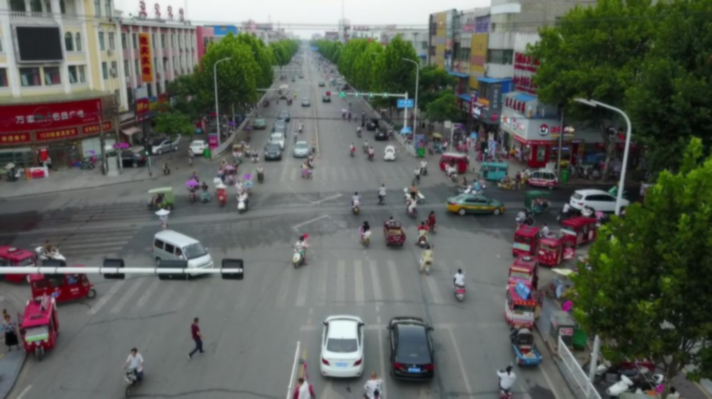
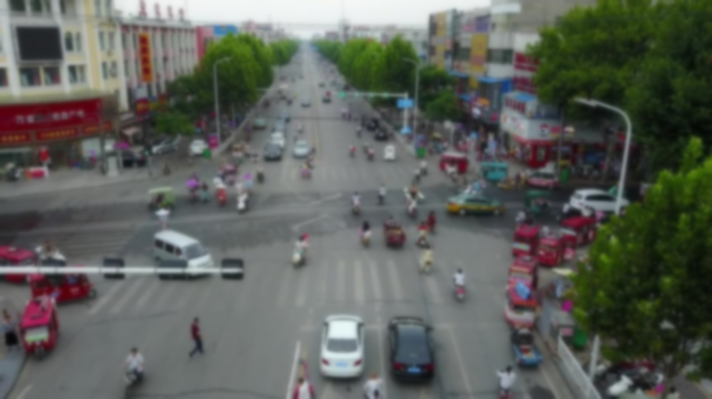
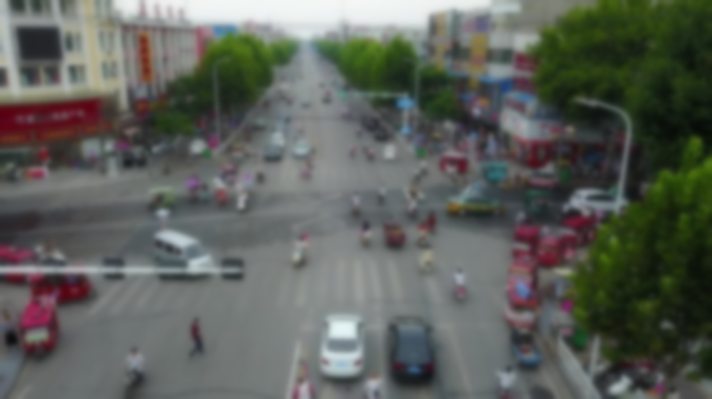
Advanced Parameters (defaults work for most cases):
slant_range- Line-of-sight distance between sensor and target (m) - Default: equals altitude.ha_wind_speed- High altitude wind speed (m/s); primarily affects temporal averaging in video - Default: 0.D- Effective aperture diameter (m) - Default: 40mm.mtf_wavelengths- Wavelengths for MTF calculation (m) - Default: [0.50e-6, 0.66e-6].mtf_weights- Weights for each wavelength contribution - Default: [1.0, 1.0].
Limitations and Next Steps#
API Reference:
TurbulenceAperturePerturberModels isoplanatic turbulence only; does not capture anisoplanatic effects across the field of view or temporal flickering in video sequences.
Requires
img_gsdparameter when callingperturb()to properly scale effects.Requires optional dependencies: install via
pip install nrtk[pybsm].See Validation and Trust for cross-perturber validation status.
Related Risks: Target Out of Focus, Sensor Noise, High-Frequency Vibration.